Foreword
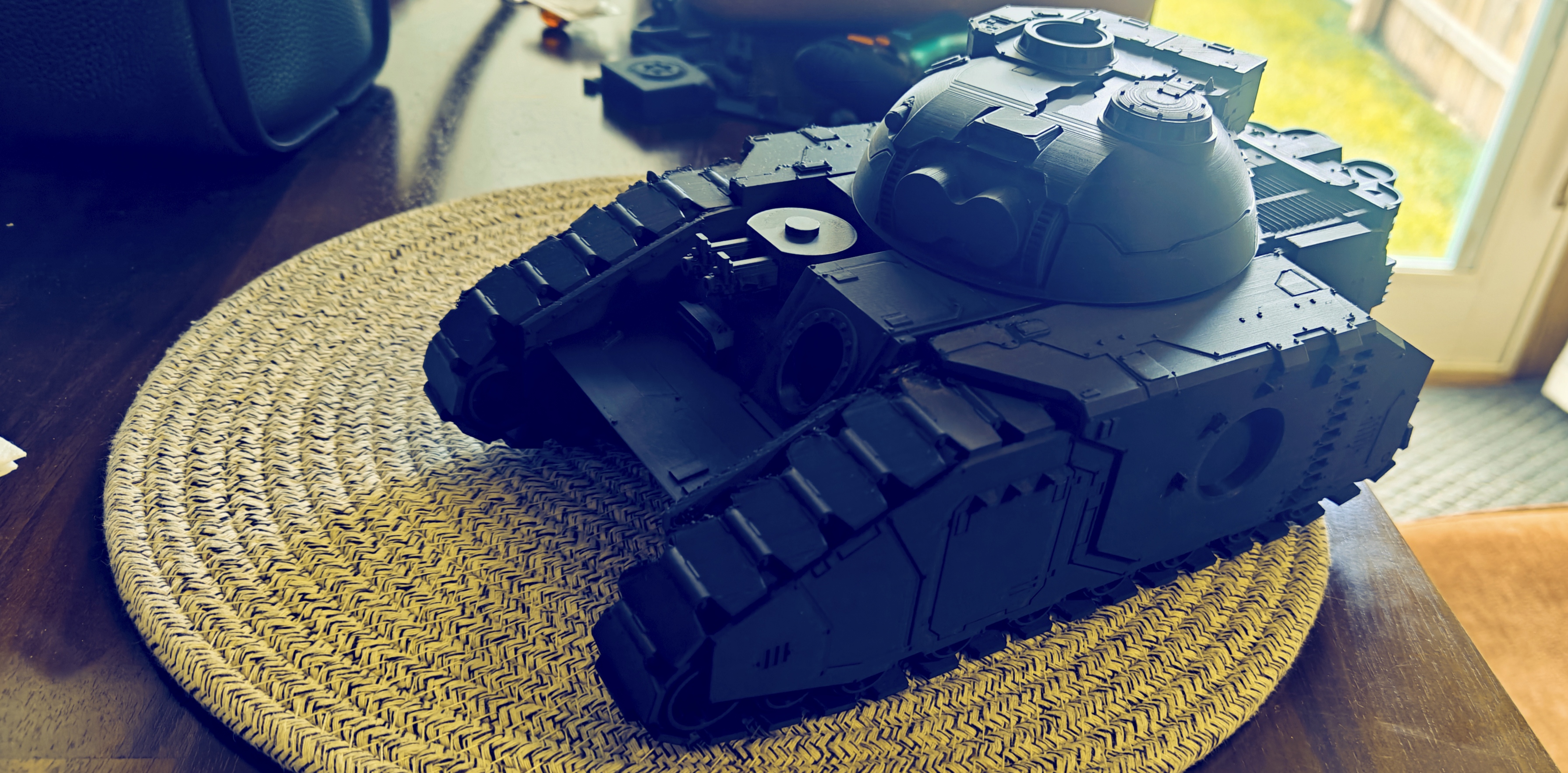
The main reason I originally bought a 3d printer was to print parts for the house. We had just moved in less than a year prior and I realized there were so many small things which to me cost way too much money for what they were, so I went looking for a solution. That solution, obviously, turned out to be a 3d printer. The Bambu Lab A1, specifically. Then I got into it and this is where the insanity ensues.
3D printing is one of the most amazingly frustrating things I’ve gotten into. It got my brain back into CADD-mode, made for some fun pastime, and was an easy way to give gifts… At first. You know that meme with the bell curve? This one:
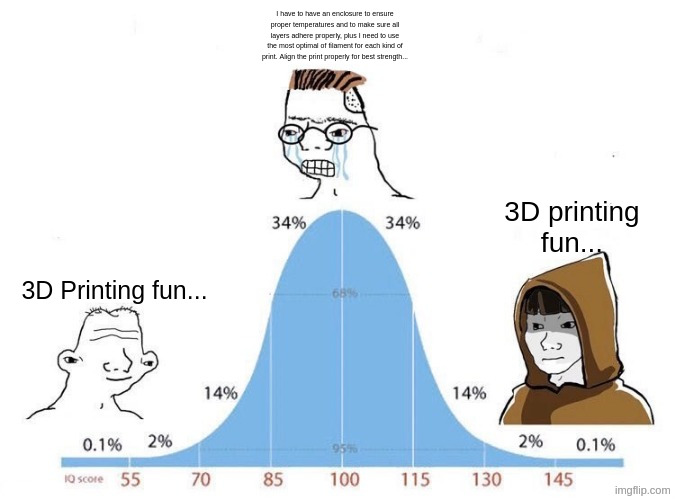
Well, I feel like I must be somewhere in the middle of this curve (probably because I made this meme for myself in 2 minutes) because I am currently suffering by my own hand. I want to print minis. I want to print brackets. I want to make new models for my printer. The list goes on. And it all seems to get harder the more I do it. That being said, it’s some of the most fun I’ve had in a long time.
The Hubris
Let’s talk about my hubris. I buy printer. I get app for printer. I click print. It work. Great! That should be enough! Not for me. My psychotic brain started looking more into how much this can help with the house. I started designing brackets, spacers, caps, holders (all of which I really should upload to printables), and printing them out. I then start looking into material strength and which orientations work best for different prints. I actually test the same print out with different materials, printing orientations, infill patterns and before I knew it, the hobby started to look like the iceberg meme. I couldn’t find that one specifically about 3D printing, so just imagine it.
The Reckoning
Now that you’re in an imaginey(?) mood, imagine this: Supports destroying entire bits of the print, tiny spears or knives, or other details snapping off while I remove the supports. Imagine my mood when I realized some details of the print were roughly the size of the layer lines and it completely removes any detail that would have been there. I was a bit in over my head. At this point, I decide I’ve suffered enough and I now am turning to my favorite university; YU, Youtube University.
The Community
The amount of knowledge and easy to grasp lessons was a godsend. Lucky for me (current me, not past me) the community has already done a lot of the heavy lifting here. There are plenty of printing profiles, plugins, specific filament recommendations, and tutorials. I’ll mention a few of them here and I am surely not going to address them all. Apologies in advance:
Lychee Slicer:
The general idea behind printing FDM miniatures is that you do not want regular auto generated supports when 3D printing a miniature. The ideal situation is you want resin supports, but the issue is there isn’t an easy way to do that in most slicers for FDM printers.
Lychee has been an amazing app for this exact reason. It bridges the gap between the two printing technologies, mostly for its ability to work well with resin-like supports. It’s kind of needed in this situation since there is currently no way to have an all in one slicer (that I know of).
Blender & Resin2FDM
Blender combined with Resin2FDM makes this process a lot less of a headache. One thing I didn’t know right away was how difficult the resin-like supports would be to remove. This obviously caused my first mini to be unceremoniously ripped in half when I first tried to take the supports off.
What I learned from this is the process of separating the actual miniature from the supports and making them basically two separate printable entities is the whole point of Resin2FDM. The power of this is being able to adapt the resin supports to proper FDM detail levels like making the contact points bigger, making the supports only have 1 or 2 wall loops so they do not print completely solid, making the supports print in a different material, etc.
The Benefits
Once the support settings are dialed in, the difference is night and day. Contact points that don’t take a chunk of the mini’s face with them. Supports that snap off clean instead of fusing themselves to a sword hilt out of spite. I went from “why did I buy this printer” to “I can’t believe I get to keep doing this” in the span of maybe three prints, which is either character growth or Stockholm syndrome, I haven’t decided.
The bigger benefit though is that this workflow actually taught me why FDM struggles with minis in the first place, instead of just handing me a magic fix. Resin printers can get away with tiny, hyper-detailed supports because the layer height is basically nothing. FDM can’t fake that, so instead of fighting the printer, Resin2FDM just changes the shape of the problem into beef up the supports enough so that they behave like FDM wants them to, then let Lychee handle the actual slicing logic on top of that. Once that clicked, a lot of the other advice out there (orientation, wall loops, material choice) stopped feeling like folklore and started feeling like actual cause and effect.
And honestly, the biggest benefit is just… having minis that don’t look like they lost a fight with a cheese grater. Low bar, I know. But I’ve cleared it now, and that feels like something.
Where I’m at Now
At this point, I would by no means call myself an expert on this. I’m definitely at that point in the knowledge curve where I’m dangerous. At least in the sense that I know enough to make a mistake look convincing instead of just blatantly broken.
That being said, the gap between “I ripped the mini in half trying to take the supports off” and “Oh, wow. I have a process which is easily repeatable.” was not nearly as large as I once thought. I think this happened because I stopped trying the brute force approach and started actually listening and looking for the knowledge from people who have gone through this already.
What Was the Point?
The whole point really comes down to this: FDM wasn’t made for printing miniatures. I did it anyways. And I’d do it again. That may be a recommendation or a warning. Depends on how well you know me.